
Satellites: CelesTrak · Stars: ESA Gaia DR3 · Earth: NASA Blue Marble
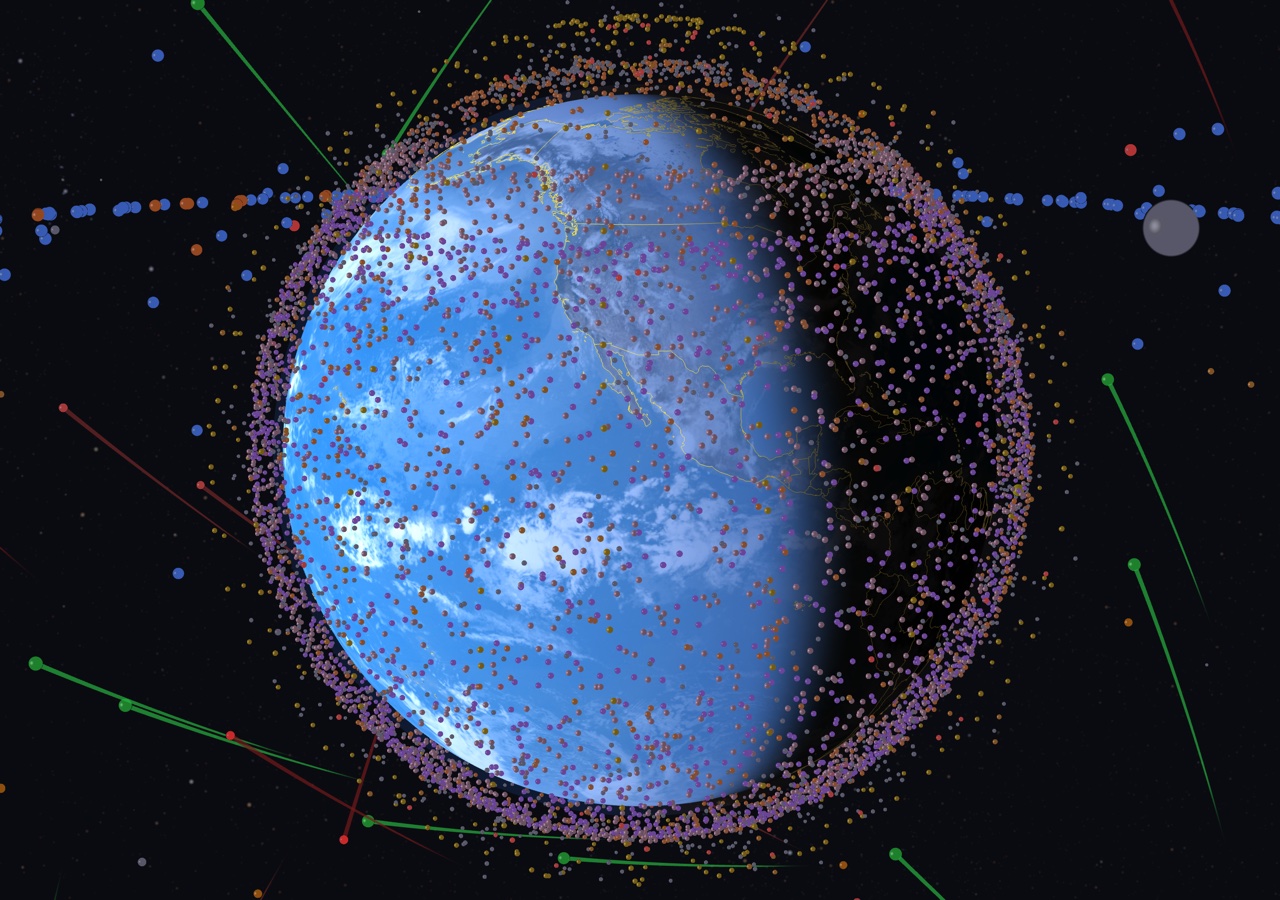
Real-time satellite tracking on a 3D globe. 10,000+ satellites. Live TLE data.Satellite tracking on a 3D globe. 10,000+ Satellites.
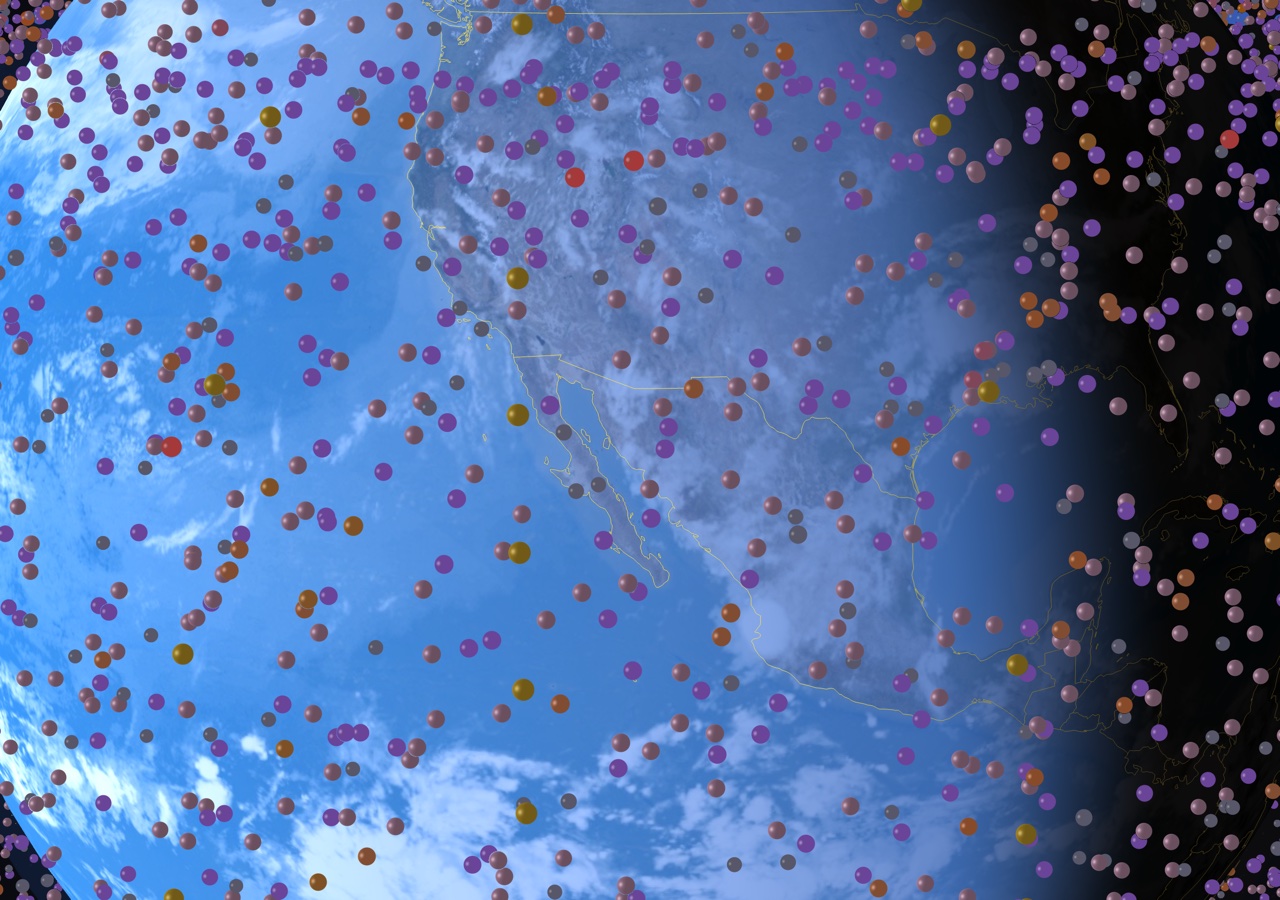
8K Earth texture with OSM map tiles at close zoom. Country borders, day/night terminator, and a physically accurate Moon.
GPU-accelerated orbital mechanics. Starlink shells color-coded. Search any satellite by name or NORAD ID.
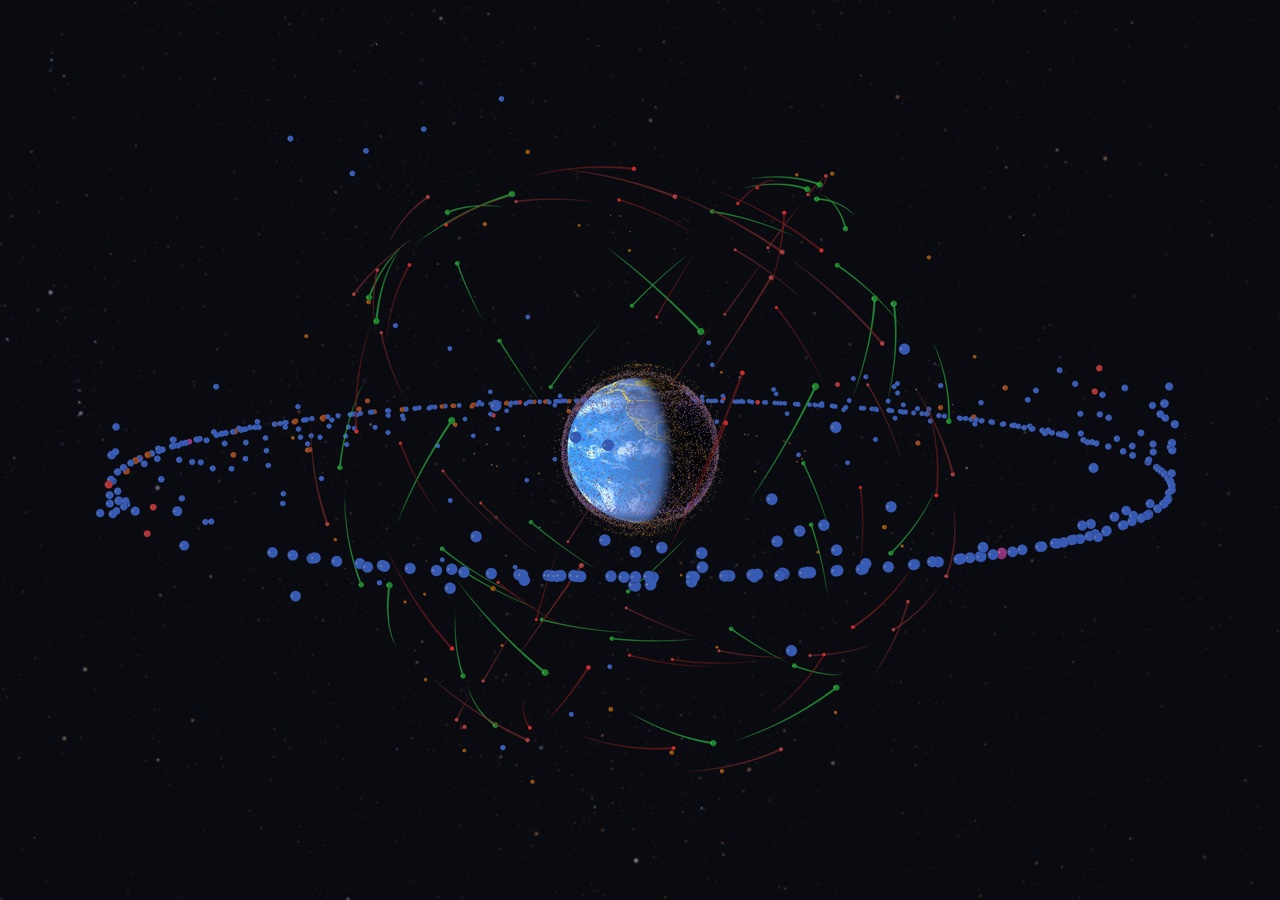
Smooth keyframe camera presets: LEO close-up, GEO ring, Lunar flyby. Time warp from 1x to 1000x.
Native Metal app for Mac, iPhone, iPad, Apple TV. Plus a macOS screensaver that auto-cycles through views.
Auto-updating orbital elements from CelesTrak. Fresh two-line element sets every session, no manual downloads.
Find any satellite by name or NORAD ID. Filter by constellation, orbit type, or altitude. Tap to track and follow.
iOS 17+ · TestFlight
TestFlight beta. Limited spots available.macOS 14+ · Metal required
Download .saver Double-click to install. Select in System Settings.Coming soon · macOS 14+
Coming soon · tvOS 17+
Coming soon · visionOS 2+
Coming 2026
Starlink shells and low-Earth orbit satellites in real time
Satellites: CelesTrak · Stars: ESA Gaia DR3 · Earth: NASA Blue Marble
All orbital data is sourced from CelesTrak, which aggregates official Two-Line Element (TLE) sets published by the U.S. Space Force. Positions are calculated using the SGP4 orbital propagation algorithm.
Download the .zip file, extract it, and double-click the .saver file. macOS will prompt you to install it. Then go to System Settings → Screen Saver and select "Orbit 2026". Requires macOS 14+ with a Metal-capable GPU.
SGP4 predictions from fresh TLEs are typically accurate to within a few kilometers for LEO satellites. Accuracy degrades over time as TLEs age. The app automatically refreshes TLE data when connected to the internet.
Yes. On first launch, the app downloads and caches TLE data locally. It will display satellites using cached data when offline, though positions will gradually become less accurate without fresh TLEs.
The trails show recent orbital paths for navigation constellations: green for GPS, red for GLONASS, and pink/red for BeiDou. Each trail shows the satellite's path over the last ~45 minutes.
Let us know what happened and we'll look into it.